Google Business Profile Optimization: Complete Local SEO Guide
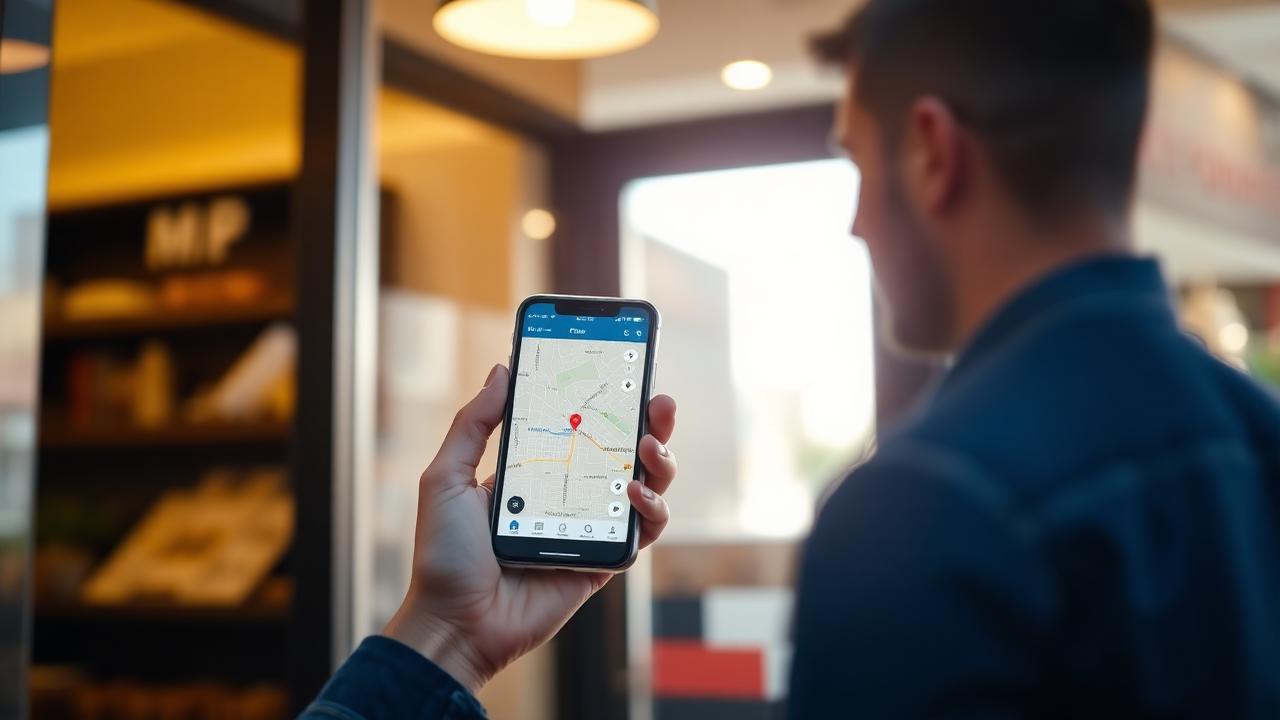
Google Business Profile optimization is the process of improving the accuracy, completeness, relevance, and usefulness of the business information displayed about a local company on Google Search and Google Maps.
A well-optimized profile helps potential customers understand:
What your business does
Where you are located
Which areas you serve
When you are open
Which services or products you offer
How to contact you
What previous customers think
What action they should take next
Optimization is not simply adding keywords to a business description.
The strongest approach connects:
Accurate business information → Correct categories → Services and products → Reviews → Photos → Website consistency → Local authority → Measurement
Google says complete and accurate information can improve a business's ability to appear for relevant local searches. Local results are mainly determined by relevance, distance, and prominence.
Key Takeaways
Google Business Profile optimization helps local businesses improve how they appear on Google Search and Maps.
Google says local rankings primarily depend on relevance, distance, and prominence.
Use the real-world business name rather than adding keywords to the name.
Choose the most accurate categories and avoid adding categories purely as keywords.
Complete your services, hours, contact details, photos, attributes, and relevant business links.
Genuine reviews and positive ratings can contribute to local prominence.
Google prohibits incentivized and fake reviews.
Business Profile information should remain consistent with the company website and other authoritative sources.
GBP optimization should be measured through calls, website visits, direction requests, bookings, search queries, and qualified business outcomes.
Google Business Profile can now be linked directly to Google Analytics.
Google also supports managing portions of a Business Profile through Gemini.
GBP optimization increasingly contributes to broader entity clarity that can also support local AI-search visibility.
What Is Google Business Profile Optimization?
Google Business Profile optimization is the ongoing process of improving and maintaining the information associated with a local business on Google.
Google Business Profile is free and allows eligible businesses to manage information that can appear on Google Search and Google Maps, including:
Business name
Address
Service area
Phone
Website
Hours
Photos
Videos
Reviews
Products
Services
Posts
Google describes the profile as a way for storefront and service-area businesses to manage how they appear on Maps and Search.
Optimization means making those elements accurate, useful, and representative of the real business rather than attempting to manipulate Google with additional keywords.
Why Google Business Profile Optimization Matters
For many local searches, users can find most of the information they need before visiting a company's website.
They may see:
Location
Hours
Reviews
Phone number
Directions
Services
Photos
Booking options
directly within Search or Maps.
An incomplete or inaccurate profile can therefore create problems before the customer ever reaches the website.
Google explicitly says businesses with complete and accurate information are more likely to appear in relevant local results.
Optimization can also improve the customer experience by making essential information easier to find.
Google Business Profile vs. Google My Business
Google Business Profile is the current name for the product previously known as Google My Business, often abbreviated GMB.
You may still see phrases such as:
Google My Business optimization
GMB optimization
GMB SEO
used by marketers and businesses.
These generally refer to the same underlying activity now called Google Business Profile optimization.
Use the current terminology in primary page copy while mentioning the older phrase naturally for users familiar with it.
How Google Determines Local Rankings
Google identifies three primary considerations for local results:
Relevance
Distance
Prominence
Relevance
Relevance describes how well the Business Profile matches what someone is looking for.
A business can improve Google's understanding by supplying detailed and accurate information about:
Business type
Categories
Services
Products
Location
For example, a profile clearly identified as an emergency plumber offering water-heater repair provides more information than one containing only a business name and phone number.
Distance
Distance measures how far a potential business is from the searcher or the location included in the search.
This factor cannot simply be optimized away.
A business cannot make itself physically closer to every searcher by adding more keywords.
That is why local rankings can look dramatically different across different parts of a city.
Prominence
Prominence reflects how established or well-known a business appears.
Google says factors can include:
Links to the business
Review quantity
Positive review ratings
Organic search position
This is one reason GBP optimization should be combined with broader local SEO rather than treated as an isolated checklist.
Claim and Verify Your Google Business Profile
Before optimization, make sure the correct profile is under your control.
If no profile exists, create one.
If an existing unverified profile exists, claim it.
Google requires businesses to complete an available verification process before they can fully control how their information appears.
Before creating another listing, search Google Maps for:
Business name
Address
Previous names
Phone number
This helps prevent unnecessary duplicate profiles.
Use Your Real Business Name
Your Business Profile name should reflect the name the business actually uses in the real world.
Google specifically says the profile name should match how the company is represented on signage, stationery, its website, and other branding.
Avoid changing:
Smith Plumbing
into:
Smith Plumbing | Best Emergency Plumber Dallas Water Heater Repair
unless that longer wording is genuinely the company's recognized real-world business name.
Keyword stuffing the business name can create policy risk and misrepresent the company.
Choose the Correct Primary Category
Categories tell Google what type of business the profile represents.
Choose the most specific category that accurately describes the core business.
For example:
Italian Restaurant
is usually more descriptive than:
Restaurant
when the more specific category accurately applies.
Google advises businesses to use as few categories as necessary and choose specific categories representative of the core business rather than treating category fields as keyword slots.
Add Relevant Secondary Categories
Additional categories can represent legitimate secondary parts of the business.
For example, a primary category might describe the main business while secondary categories identify additional services.
Do not add every category that is remotely related.
Ask:
Does this category accurately describe something this business actually is?
rather than:
Can I rank for another keyword by adding this?
Accuracy should remain the deciding factor.
Optimize Your Business Address
For a storefront business, enter the real physical location customers visit.
The address should match:
Website
Contact page
Location page
Major business directories
Real-world signage
Google requires addresses to be precise and reflect legitimate business locations.
Do not create fake locations simply to rank in surrounding cities.
Optimize Service Areas
Businesses that travel to customers can configure service areas instead of displaying a public storefront address when appropriate.
Service areas should represent where the business genuinely operates.
Do not add cities simply because they have desirable search volume.
The website should reinforce genuine service coverage with appropriate location information.
Add Accurate Business Hours
Keep normal hours current.
Also update:
Holiday hours
Special hours
Seasonal hours
Temporary closures
Incorrect hours create a poor customer experience and can undermine trust.
Google specifically encourages businesses to keep their profile information current and complete.
Add Your Phone Number and Website
Use the phone number customers should actually call.
The website link should normally point to the most relevant official location or business page.
For a single-location business, this may be the homepage.
For a multi-location company, the individual profile often benefits from linking to the corresponding location page.
Use tracking carefully so the destination remains functional and accurately represents the business.
Write an Accurate Business Description
The description should tell customers:
What the business does
Who it serves
Important services or products
Relevant history or differentiators
Google says the description field can be used to provide useful information about services, products, mission, and business history.
Avoid:
Promotions
Price-heavy sales copy
Links
Keyword stuffing
Unrelated services
Google prohibits links in the business-description field and discourages low-quality or irrelevant content.
A useful description might say:
Northstar HVAC provides residential heating and air-conditioning repair, replacement, and maintenance throughout the Dallas area. The company works on central air systems, heat pumps, furnaces, and indoor air-quality equipment for homeowners and property managers.
That establishes actual services naturally.
Add and Optimize Services
Service businesses should complete the Services section whenever available.
Google allows businesses to:
Select suggested services
Add custom services
Group services by category
Add descriptions
Add pricing information
Google also says relevant services may be highlighted when a customer searches for them.
Create clear relationships between:
Primary category → Service → Website service page
For example:
Category: HVAC contractor
Service: AC repair
Website page: /air-conditioning-repair/
This creates consistency between the Business Profile and website.
Add Products When Applicable
Retail businesses can add products to eligible Business Profiles.
Google notes that in-store products may appear in local results and can help shoppers understand what is available.
Keep product information accurate and current.
Do not add unrelated products simply for keyword coverage.
Complete Relevant Business Attributes
Attributes communicate characteristics of the business.
Depending on category and eligibility, they may cover subjects such as:
Amenities
Accessibility
Payment options
Service options
Business identity
Google says some attributes can help a business appear for searches involving those characteristics.
Only choose attributes that are genuinely accurate.
Add High-Quality Photos and Videos
Visuals help customers understand what they should expect.
Useful image categories include:
Exterior
Interior
Staff
Products
Services being performed
Facilities
Completed work
Menu items
Use real images whenever possible.
Customer-generated photos can also appear on the profile, so periodically review the photo section for inappropriate or inaccurate user uploads.
Google's content policies apply to both merchant and user-contributed photos and videos.
Optimize Social Media Links
Eligible profiles in supported regions can add links to:
Facebook
Instagram
LinkedIn
Pinterest
TikTok
X
YouTube
Google currently allows one link per supported platform, although the feature is not available for every profile or region.
Use official branded profiles and keep naming consistent across platforms.
Social profiles can strengthen the broader web footprint surrounding the business entity.
Add Booking, Ordering and Business Links
Some business categories can add action-oriented links.
Depending on eligibility, these may allow customers to:
Make an appointment
Reserve a table
Order food
Place a shopping order
View a menu
View services
Google currently allows multiple links in certain business-link categories.
Treat these links as conversion pathways.
Send visitors to the page where they can complete the promised action rather than the generic homepage whenever practical.
Build a Google Review Strategy
Reviews are an important component of local visibility and customer decision-making.
Google says review quantity and positive ratings can contribute to local prominence.
Build a repeatable process for asking genuine customers for reviews.
Possible methods include:
Post-purchase email
SMS follow-up
Receipt
QR code
Customer-service follow-up
In-person request
Google provides businesses with review links and QR-code options for requesting feedback.
Never Incentivize Google Reviews
Do not offer:
Discounts
Free products
Gift cards
Contest entries
Cash
in exchange for reviews.
Google expressly prohibits offering incentives for people to post, change, or remove reviews.
The goal should be to increase participation from genuine customers—not manufacture positive sentiment.
Respond to Positive and Negative Reviews
Review responses show that the business is engaged with customer feedback.
For positive reviews:
Thank the customer.
Refer naturally to their experience.
Keep the response genuine.
For negative reviews:
Stay professional.
Avoid arguments.
Acknowledge legitimate concerns.
Offer an appropriate path for resolution.
Never disclose private customer information in a public response.
For certain service businesses, reviews can also include feedback about specific aspects or job types associated with the services performed. Google says these job options can be informed by the profile's service list, website, or other authoritative sources.
That creates another reason to keep service information accurate.
Optimize Google Posts
Google Business Profile Posts can communicate:
Updates
Offers
Events
Posts may contain text, images or videos and eligible action buttons.
Use Posts for things customers actually care about:
New service
Event
Seasonal hours
New location
Special offer
Company update
Do not treat frequent posting as a guaranteed ranking tactic.
Google does not list posting frequency as one of its three core local-ranking considerations.
Posts are more defensibly viewed as a customer-engagement and conversion feature.
Connect Your Website and Google Business Profile
Your GBP and website should reinforce the same business entity.
Match:
Business name
Address
Phone
Services
Service areas
Opening hours
Brand
Locations
This matters because Google says Business Profile information can be compiled from multiple sources, including crawled content from the company's official website.
The Business Profile should therefore not say one thing while the website says another.
Keep Business Information Consistent Across the Web
Google may also use:
Third-party data
User contributions
Public information
Other online sources
when assembling information about a business.
Audit important listings such as:
Apple Business Connect
Bing Places
Yelp
Industry directories
Chamber of Commerce
Professional associations
Major data aggregators
The objective is not mechanically creating hundreds of directories.
It is maintaining accurate business information across trustworthy sources.
Google Business Profile and Entity Optimization
Think about the profile as a representation of a real-world entity.
Google needs to understand relationships such as:
Business → Category
Business → Location
Business → Services
Business → Products
Business → Website
Business → Reviews
Business → Social Profiles
For example:
Carter & Lee Dental is a family dental practice in Austin, Texas, providing preventive dentistry, cosmetic dentistry, dental implants, and emergency dental care.
That statement creates explicit semantic relationships.
The same core information should be corroborated across:
Business Profile
Website
LocalBusiness schema
Social accounts
Professional directories
Google Business Profile Optimization for AI Search
Local discovery is expanding beyond traditional Google Maps results.
Users increasingly ask AI systems questions such as:
Who is the best emergency plumber near me?
What dentist near downtown offers implants?
Which local restaurants have outdoor seating?
Semrush's July 2026 analysis argues that local AI visibility depends heavily on entity clarity and corroboration from third-party sources, with Google Business Profile serving as an important local business source.
That means AI-focused local optimization should reinforce:
Accurate business identity
Clear service categories
Real location
Relevant services
Consistent website information
Strong third-party mentions
Genuine customer sentiment
Do not create false claims solely to influence AI recommendations.
AI visibility remains dependent on the individual system, query, location, and sources available.
Manage Google Business Profile With Gemini
A major 2026 development is Google's integration of Business Profile management with the Gemini web app.
Google says Gemini can assist with tasks such as:
Reviewing business information
Reviewing attributes
Updating business descriptions
Viewing customer reviews
Drafting review responses
Creating and scheduling posts
Reviewing performance
Analyzing search keywords
AI can save time, but review changes before publishing them.
Do not let automation invent:
Services
Offers
Business attributes
Customer claims
Hours
Credentials
The profile must remain an accurate representation of the actual business.
Connect Google Business Profile to Google Analytics
Google now allows Business Profiles to connect directly with Google Analytics.
This can bring Business Profile interaction data into GA4, including:
Interactions
Website clicks
Calls
Direction requests
Messages
Bookings
Menu interactions
This creates a more complete reporting environment for understanding the customer journey from local discovery to website activity.
One limitation is that when multiple Business Profiles are connected, Google Analytics reports aggregated GBP metrics rather than allowing every metric to be filtered by individual profile. Google also currently limits imported GBP metrics to a six-month data window.
Track Google Business Profile Performance
Business Profile Performance can provide data such as:
Search terms
Profile views
Website clicks
Calls
Direction requests
Bookings
Other available interactions
The exact metrics vary according to business type and enabled features.
Track performance over time rather than focusing on one isolated week.
Compare:
Month over month
Year over year
Before and after major changes
Branded versus nonbranded discovery
Leads and revenue when available
Use UTM Tracking for Website Visits
Add appropriate UTM parameters to your website links when your analytics strategy requires more granular attribution.
For example:
?utm_source=google&utm_medium=organic&utm_campaign=gbp
This can make it easier to identify Business Profile website traffic within analytics and CRM reporting.
Use a consistent naming convention across all locations.
Track Local Rankings With a Geo-Grid
A single ranking position can be misleading in local search because distance varies.
Use geographic grid tracking to evaluate visibility from multiple locations around the business.
For example:
AreaRanking0.5 mile north#11 mile south#33 miles east#85 miles west#14
This shows actual geographic coverage more clearly than one desktop search.
Semrush and BrightLocal both provide map-based local ranking tools as part of their current local SEO platforms.
Google Business Profile Optimization for Service-Area Businesses
Service-area businesses require slightly different optimization.
Examples include:
Plumbers
Electricians
Mobile locksmiths
Cleaning businesses
Home healthcare providers
Use accurate service areas representing locations where the business genuinely works.
Complete the Services section thoroughly.
Connect important services to corresponding website pages.
Do not create fake offices in cities where no legitimate customer-facing location exists.
Google Business Profile Optimization for Multiple Locations
Each legitimate location should maintain accurate location-specific information.
Track:
Address
Phone
Hours
Photos
Reviews
Landing page
Categories
Local services
Google supports bulk management for businesses with larger numbers of locations.
Avoid sending every location profile to one generic homepage when dedicated location pages provide a better user experience.
Each location page should contain meaningful local information rather than only swapping city names.
Protect Your Google Business Profile
Optimization also requires governance.
Review profile access periodically.
Remove:
Former employees
Former agencies
Unrecognized managers
Maintain clear ownership under an account controlled by the business.
Monitor unexpected changes to:
Name
Address
Category
Phone
Website
Hours
Google can incorporate user suggestions and other information sources into profiles, which makes monitoring important.
Common Google Business Profile Optimization Mistakes
Keyword Stuffing the Business Name
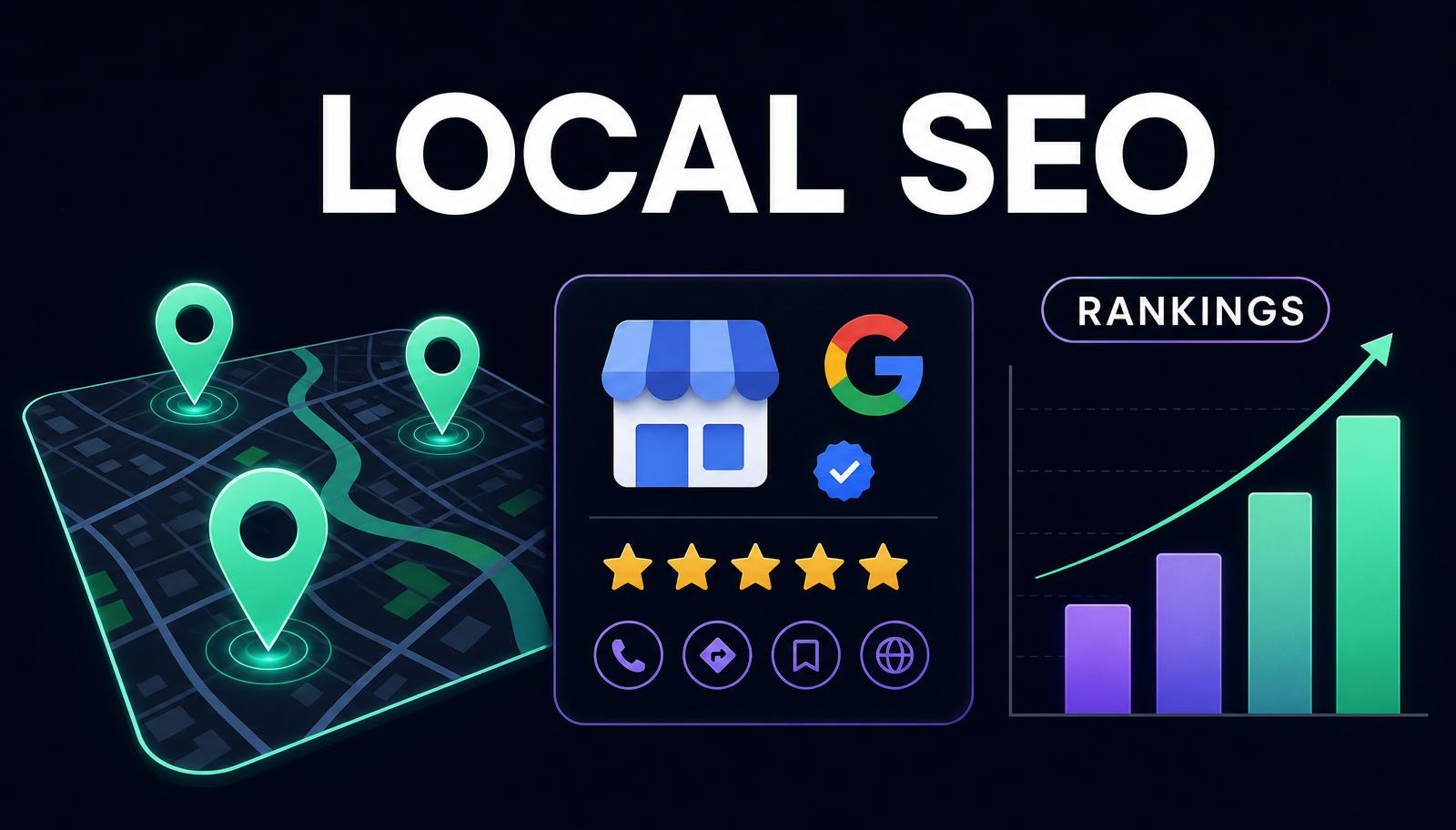
Use the real-world business name.
Choosing Too Many Categories
Google recommends using the fewest accurate categories necessary.
Creating Fake Locations
Do not create listings for offices that do not legitimately qualify.
Ignoring Service Information
Services can provide important customer and relevance information.
Incorrect Hours
Update holidays and closures.
Buying Reviews
Fake or incentivized reviews violate Google's policies.
Ignoring Negative Reviews
Respond professionally when appropriate.
Uploading Only Stock Photos
Show the actual business, people, products, or work whenever practical.
Assuming Posts Automatically Increase Rankings
Use Posts primarily to communicate and drive customer actions.
Treating GBP as Separate From the Website
Google can obtain business information from the official website and other sources.
Measuring Only Rankings
Track calls, bookings, directions, website visits, and qualified leads.
Checking Rankings From Only One Location
Local results can change significantly according to searcher distance.
Automating Everything With AI
AI can assist profile management, but business information must still be verified.
Google Business Profile Optimization Checklist
Before considering a profile optimized, confirm:
The profile has been claimed and verified.
The business name matches the real-world business.
The primary category is accurate.
Secondary categories are relevant.
Address information is correct.
Service areas reflect real operations.
Phone number is accurate.
Website URL is correct.
Regular hours are current.
Special hours are maintained.
Business description accurately explains the company.
Services are complete.
Products are included when relevant.
Appropriate attributes are selected.
Photos accurately represent the business.
Social links are connected when available.
Booking or ordering links work.
A genuine review-generation process exists.
Review incentives are prohibited internally.
Reviews receive appropriate responses.
Posts are used for meaningful updates.
Website information matches GBP information.
Important third-party listings are accurate.
LocalBusiness structured data matches visible business information.
Business Profile Performance is reviewed regularly.
GA4 is connected when useful.
Geo-grid rankings are monitored.
Profile ownership and manager access are reviewed.
AI-generated changes receive human verification.
Frequently Asked Questions
What Is Google Business Profile Optimization?
Google Business Profile optimization is the process of improving and maintaining the information on a local business's Google profile so customers and Google can better understand the business.
Does Google Business Profile Help Local SEO?
Yes. Google says complete and accurate Business Profile information can help businesses appear for relevant local searches. Local results are mainly influenced by relevance, distance, and prominence.
How Do I Optimize My Google Business Profile?
Verify the profile, use the real business name, choose accurate categories, complete your services, hours, website, photos, attributes, and build a legitimate review-management process.
What Are the Most Important Google Business Profile Ranking Factors?
Google identifies relevance, distance, and prominence as its primary local-ranking considerations.
Do Keywords in a Google Business Profile Help Rankings?
Relevant business information can help Google understand what the business offers, but keyword stuffing is unnecessary and can violate guidelines when used in fields such as the business name. Focus on accurate categories, services, and natural descriptions.
Do Google Reviews Help Local Rankings?
Google states that review quantity and positive ratings can contribute to local prominence. Reviews must reflect genuine experiences and should never be purchased or incentivized.
How Often Should I Update My Google Business Profile?
Update it whenever business information changes. Regularly check hours, services, photos, reviews, links, and profile changes so information stays accurate.
Do Google Business Profile Posts Improve Rankings?
Google provides Posts for updates, offers, and events, but it does not identify posting frequency as one of its primary local-ranking factors. Use Posts mainly to communicate with customers and encourage relevant actions.
Can Google Business Profile Be Connected to Google Analytics?
Yes. Google now allows Business Profiles to connect with GA4 so metrics such as website clicks, calls, directions, bookings, and other interactions can appear within Analytics.
Can AI Optimize a Google Business Profile?
AI can assist with profile management. Google now supports Business Profile tasks through Gemini, including reviewing information, creating posts, drafting review responses, and analyzing performance. Human verification is still important because all profile information must accurately represent the business.
Final Thoughts
Google Business Profile optimization is no longer simply about filling out a local business listing.
The profile is part of a larger local entity ecosystem connecting:
Business → Location → Category → Services → Website → Reviews → Customers → Search and Maps
The best strategy starts with accuracy.
Use the real business name.
Select categories that genuinely describe the company.
Complete the services customers actually purchase.
Maintain accurate hours and location information.
Earn genuine reviews.
Connect the Business Profile with the official website and other trustworthy sources across the web.
Then measure what matters:
Calls
Direction requests
Website traffic
Bookings
Leads
Revenue
Geographic visibility
In 2026, the strategy also extends into GA4 integration, Gemini-assisted management, and AI-search entity visibility.
The goal is not to make the profile look “optimized.”
The goal is to make Google's understanding of the business as complete, accurate, consistent, and useful as possible.
Keep going with related Search Brilliance services: Google Business Profile Optimization, Local Citation Building, and Review Management.